 JoVee Rig
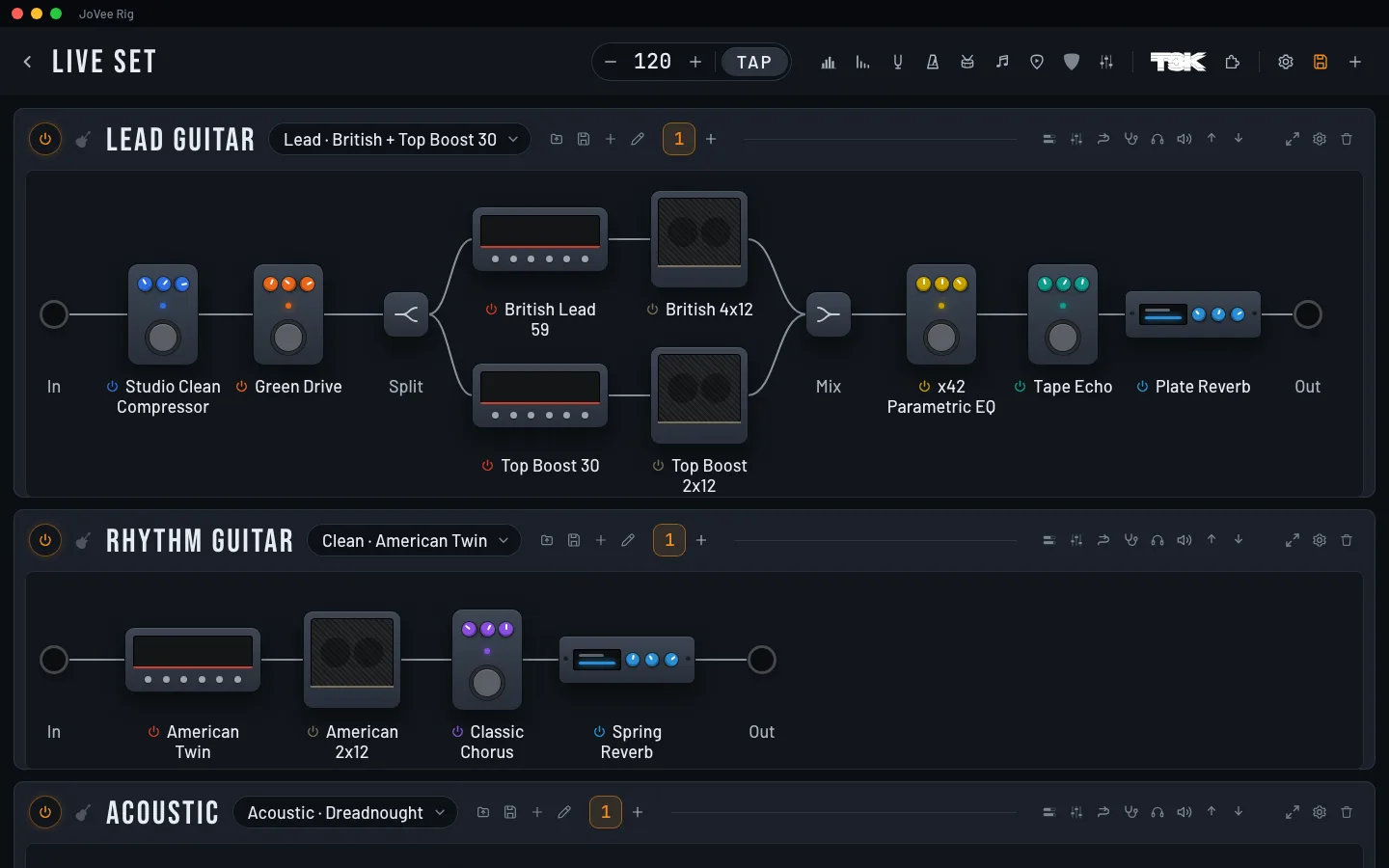
The app's amps and pedals, your .nam captures and IRs and the VST3 plugins on your computer, all in the same chain.
Guitar, bass and vocals on the same interface, each with its own amp and pedals.
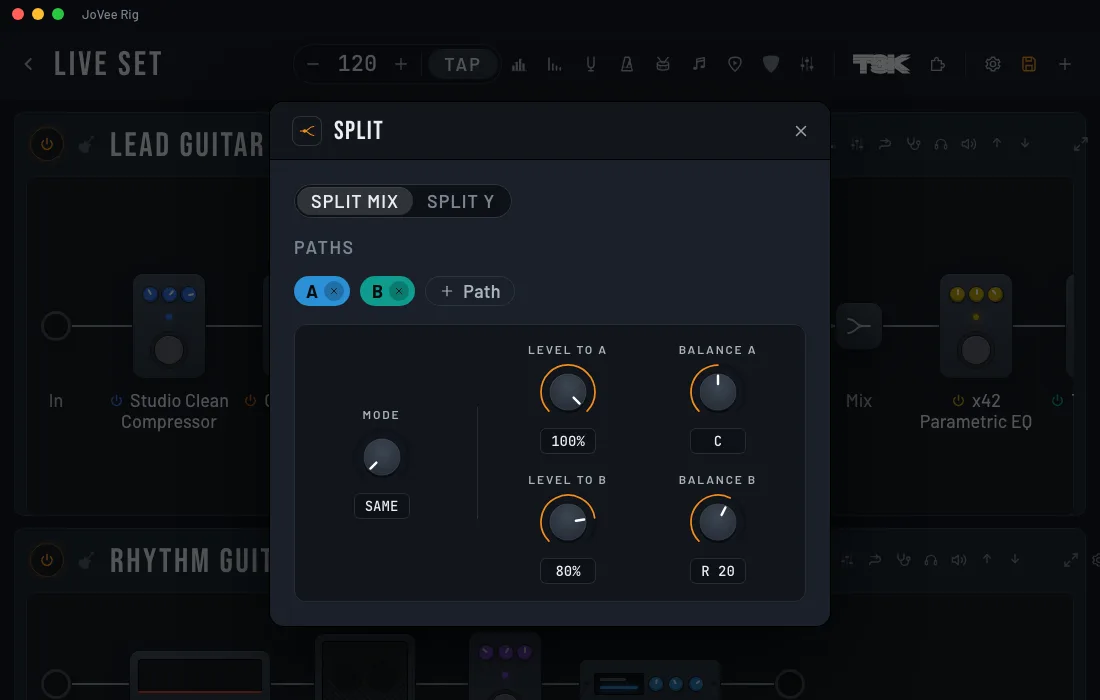
Send the signal down parallel paths and mix them back, or send each path to its own output.
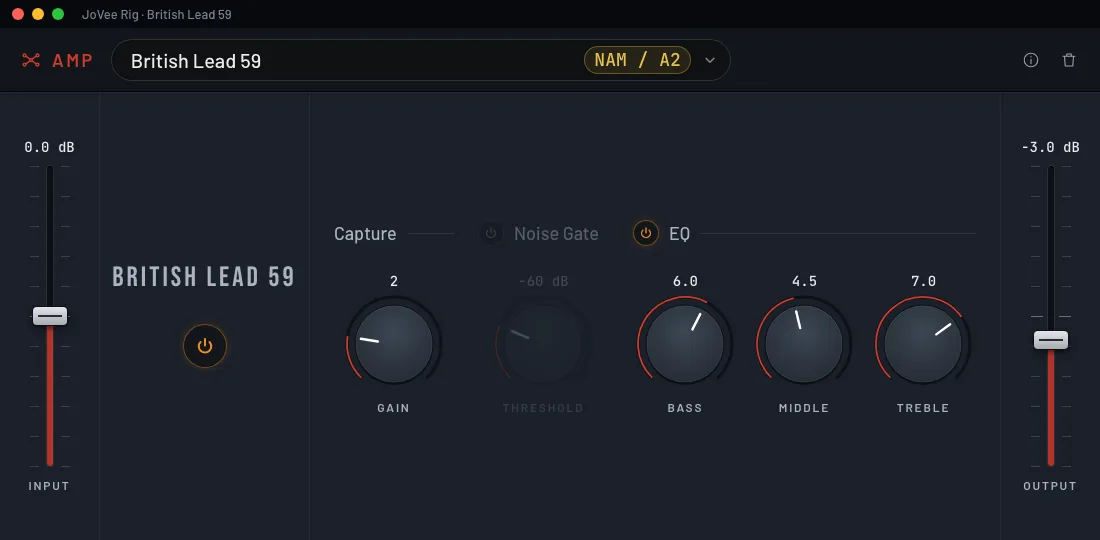
Every amp and pedal opens with its own knobs, which you turn while you play.
Load any .nam capture or IR you already have into the chain.
Use the VST3 plugins installed on your computer in the middle of the chain.
Send the signal to a pedal on your board and bring it back in the middle of the chain.
Shows which block causes fizz, mud or boom and which knob to turn.
A voice block that adds a blues singer's rasp, live.
Each chain is electric, acoustic, bass, voice, keys or drums and shows only its blocks.
Each NAM capture and IR you install becomes a plugin for any chain. All it takes is your TONE3000 key.
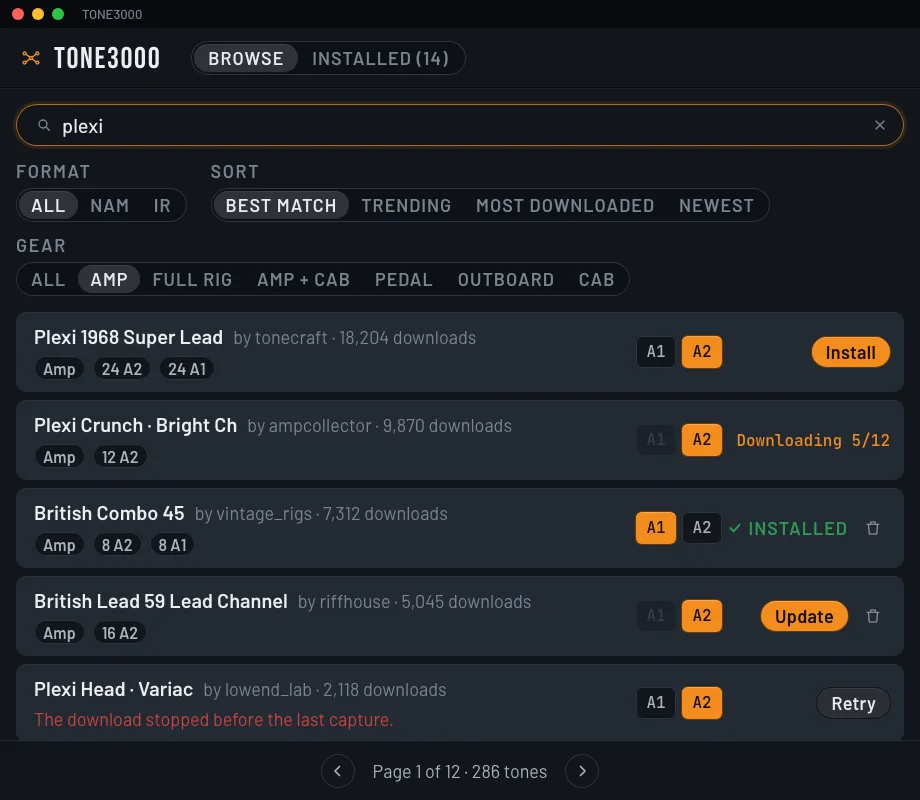
Search by name, choose NAM or IR, and install without leaving the app.
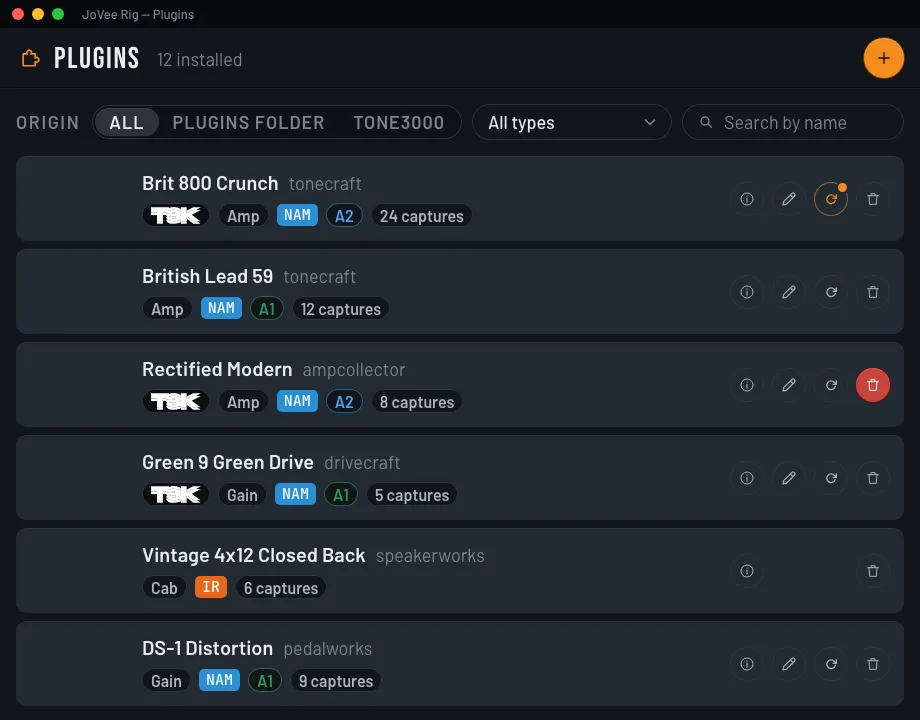
Every installed plugin in one list: see its details, update it or uninstall it.
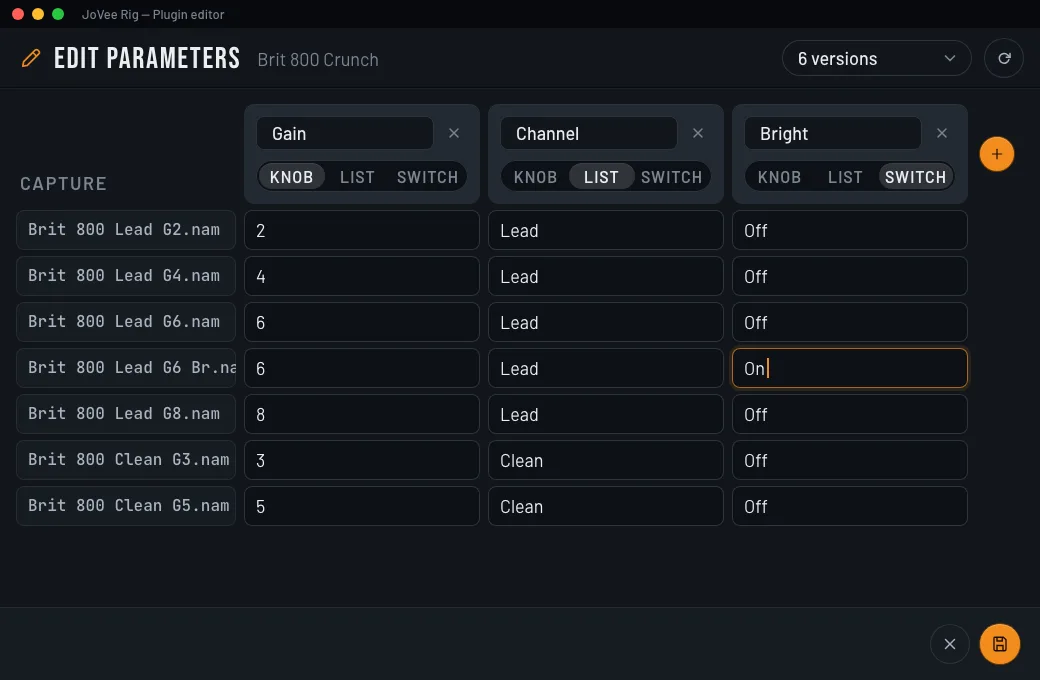
Change a plugin's parameters and restore any version you saved.
Turn your own .nam and .wav files into a plugin.
From A2 captures taken in a grid, JoVee trains one NAM with continuous knobs.
Search YouTube inside the app or add your own file.
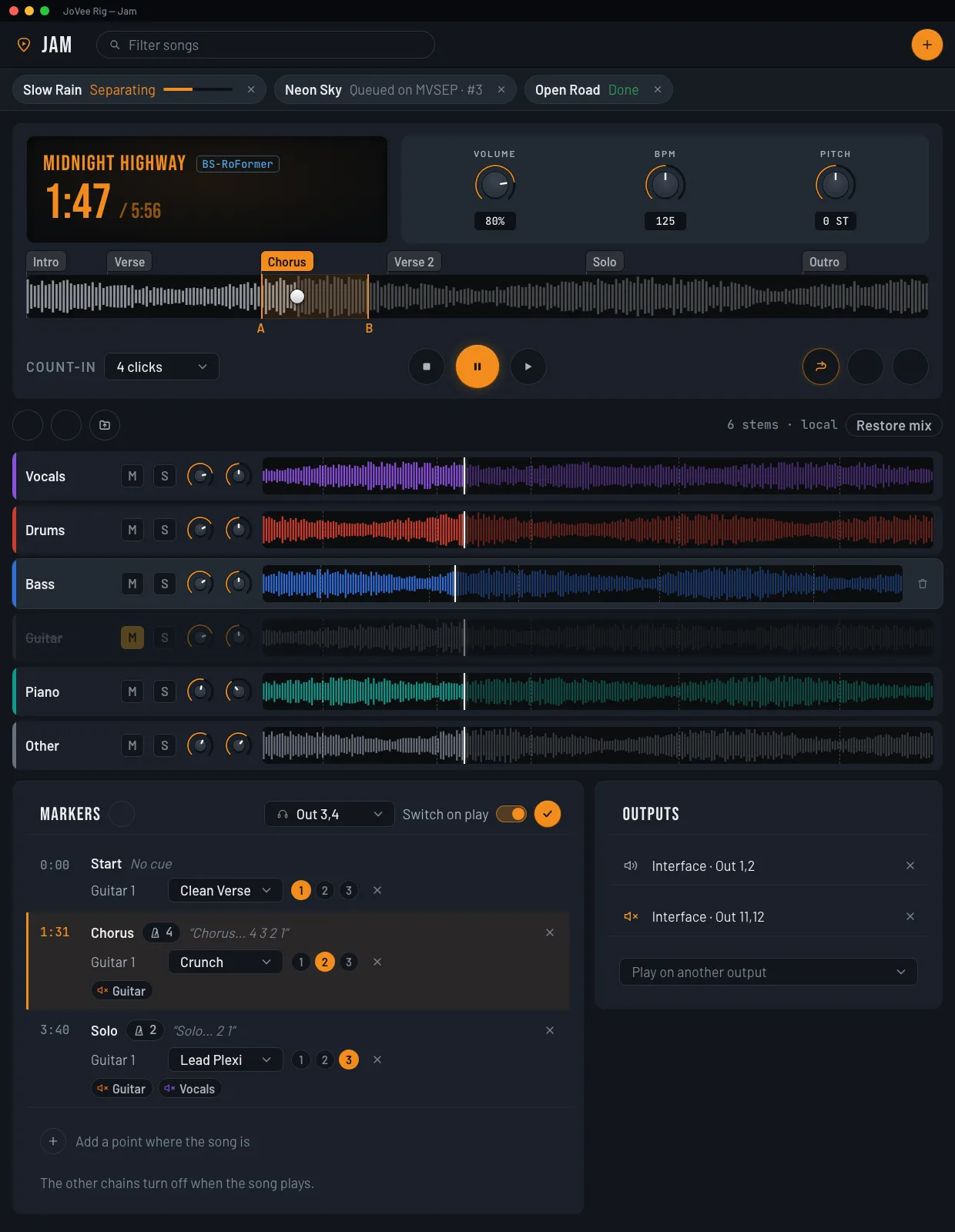
Split the song into drums, bass, vocals, guitar, piano and other, and mute the part you play.
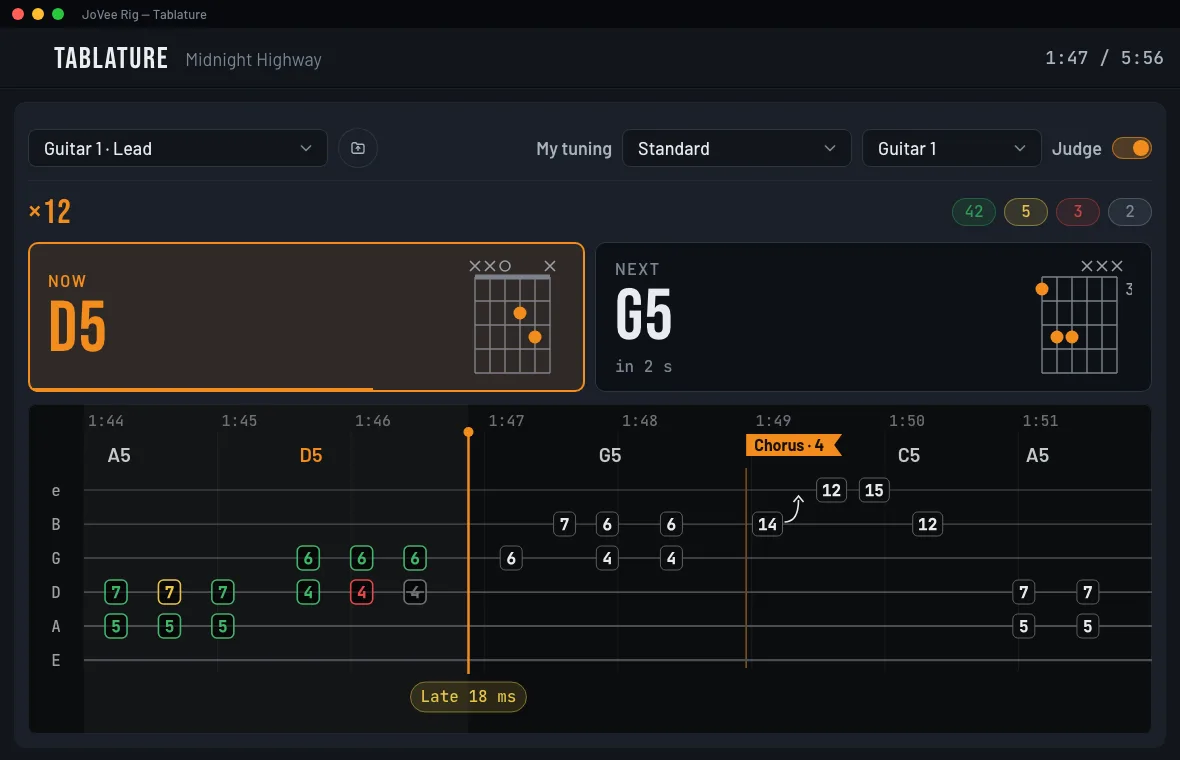
A Guitar Pro tab, or one made from the separated guitar, scrolls with the song.
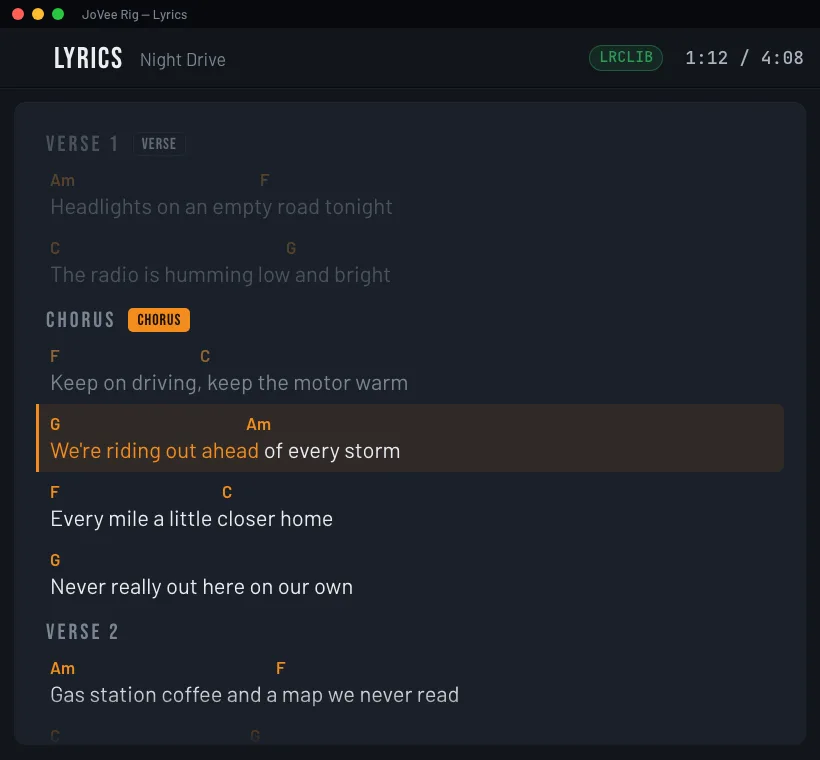
The line being sung lights up as the song plays.
Listens to you and marks each note on time, late, wrong or missed.
The guitar switches preset and scene at each part of the song.
A count-in and the name of the next part spoken before it starts.
Finds each guitar of the song by where it sits in the stereo.
The tab is rewritten for the tuning you play in.
Fix notes, chords and lyric lines yourself.
The drums, the metronome and the delays follow the project's tempo.
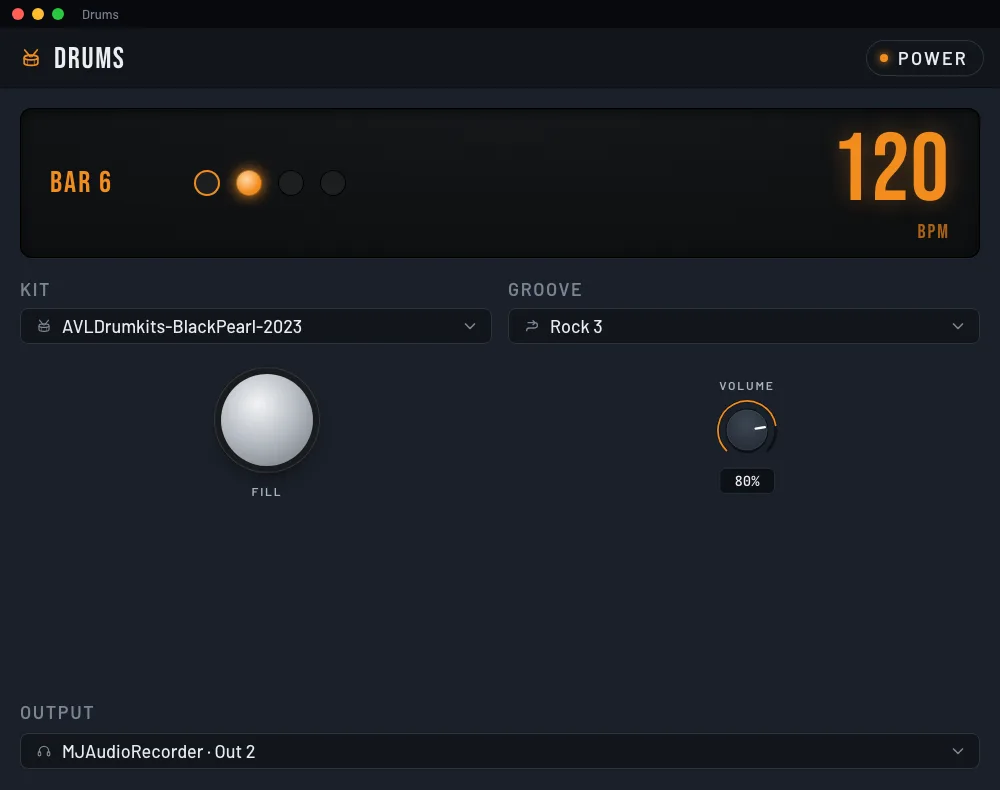
Play along with 75 drum grooves and call the fill whenever you want.
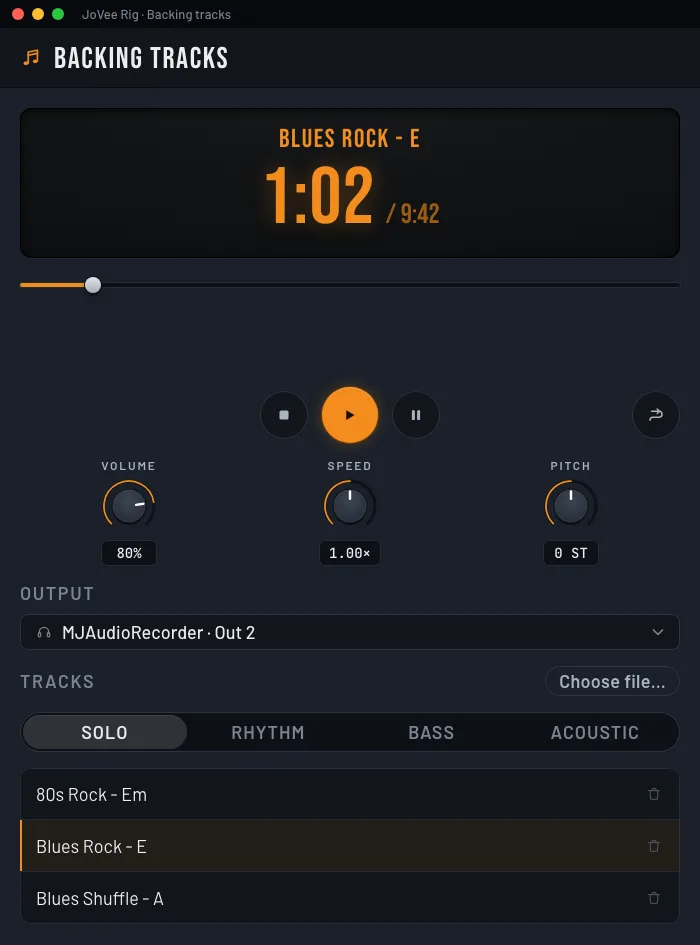
Rock, blues and funk tracks split by part, slower or in another key.
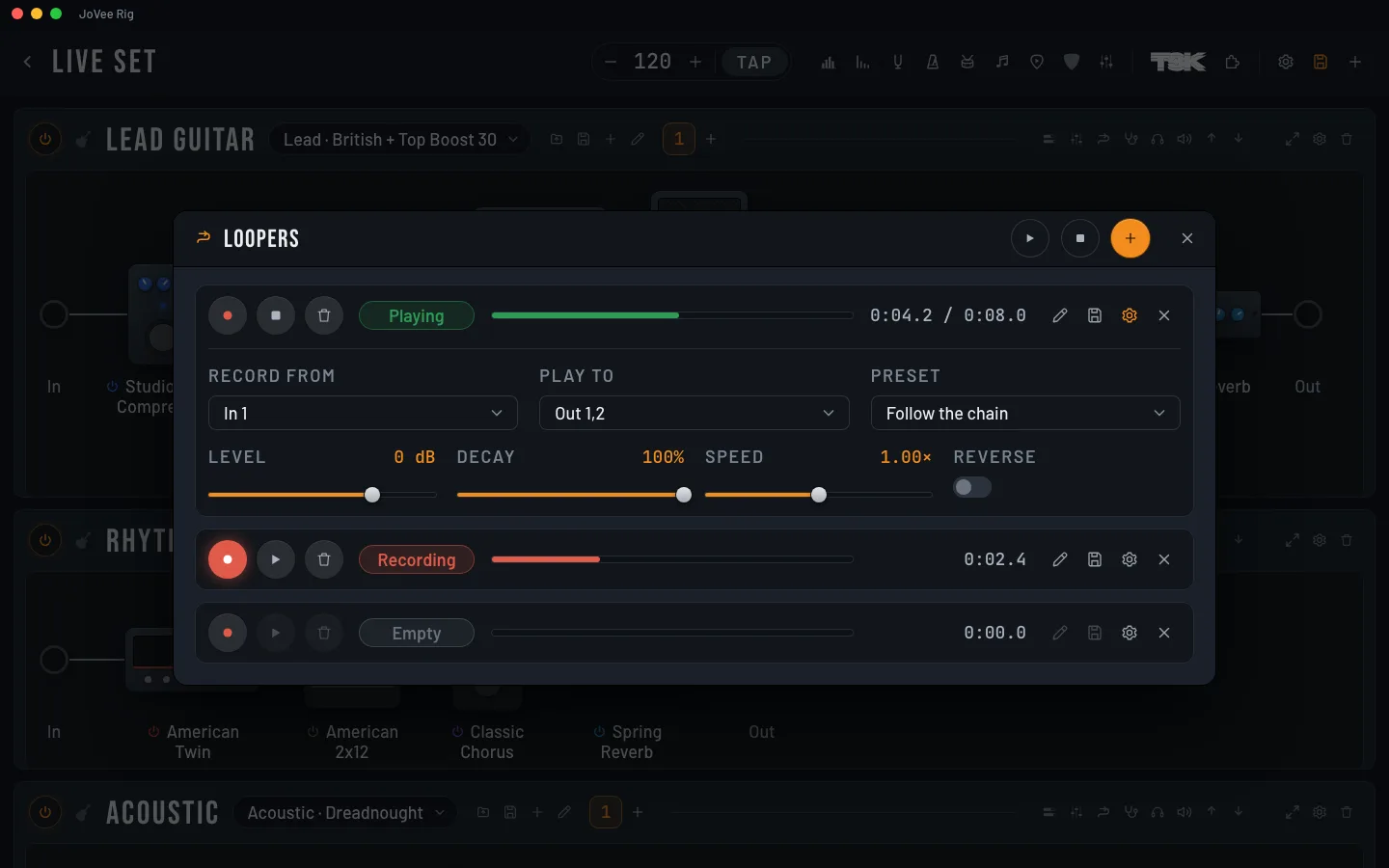
Up to 8 loops per chain playing together in the same bar, with reverse and waveform trimming.
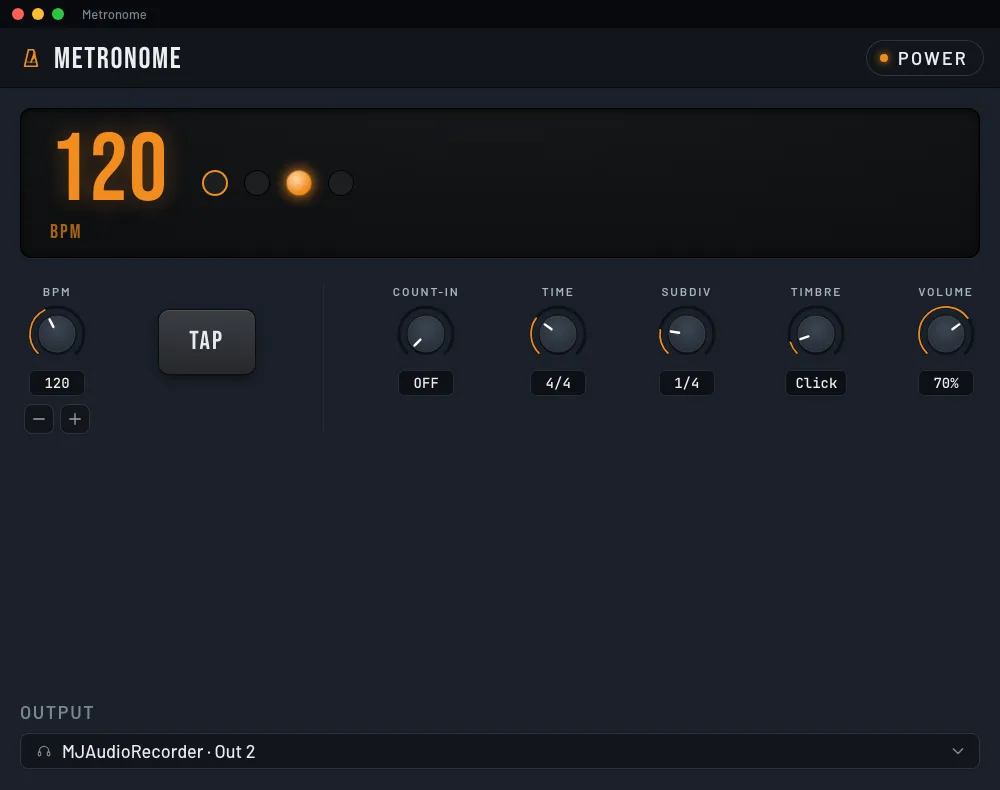
Tap the tempo and pick the time signature and the subdivision.
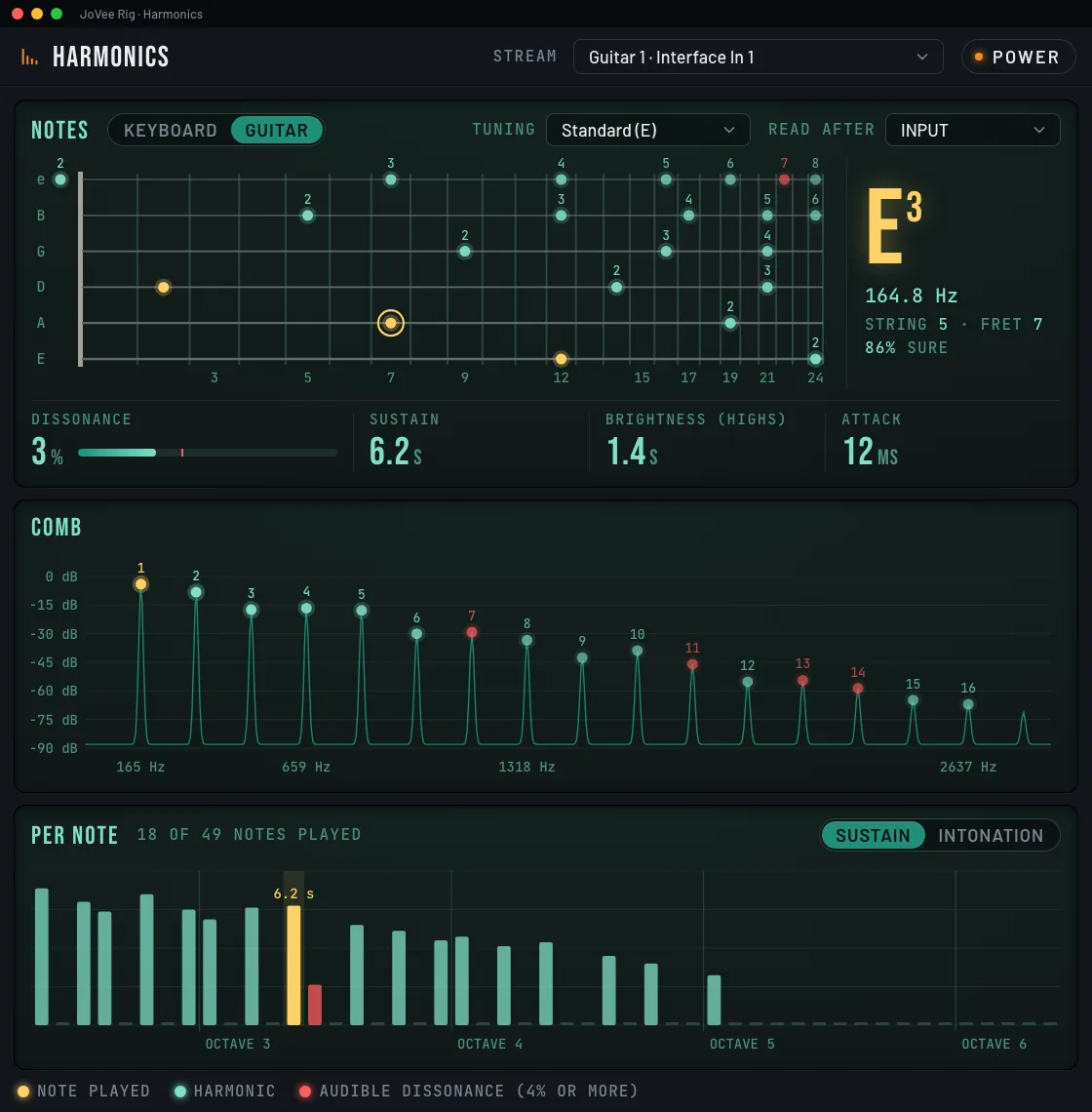
See the harmonics of each note on a 24-fret neck, with sustain and intonation per note.
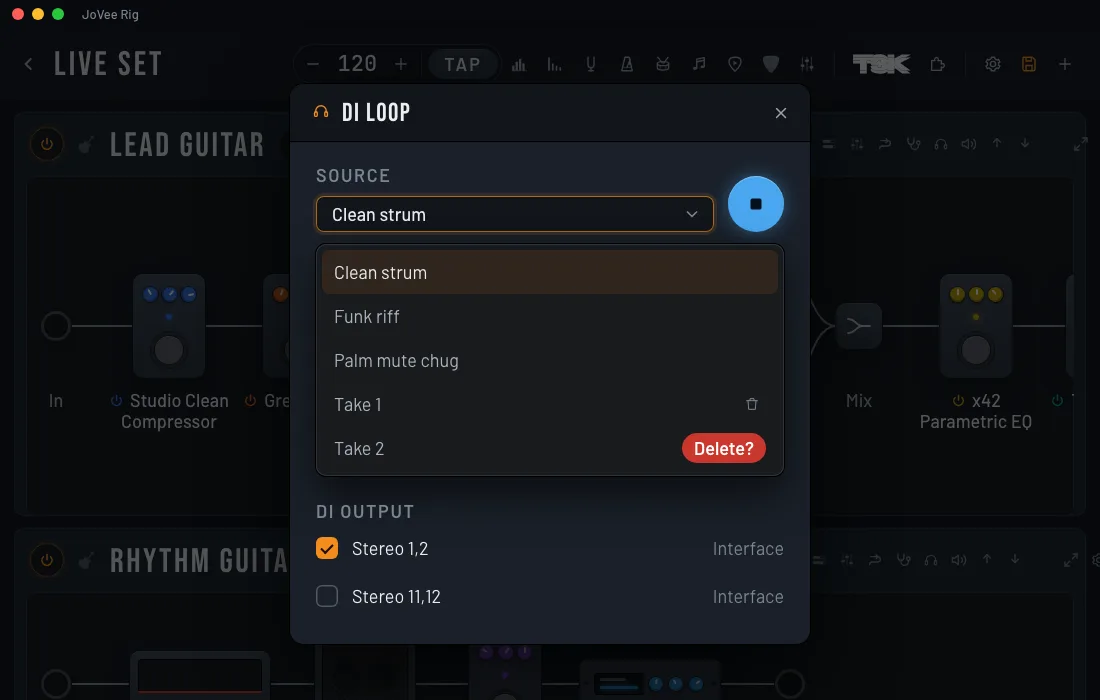
A recorded dry guitar loops through the chain while you shape the tone with both hands free.
The metronome counts you in before you start.
Each groove and each backing track switches the guitar to the preset you saved with it.
The harmonic field and the scale of any key.
Check tuning, frequencies and levels while you play.
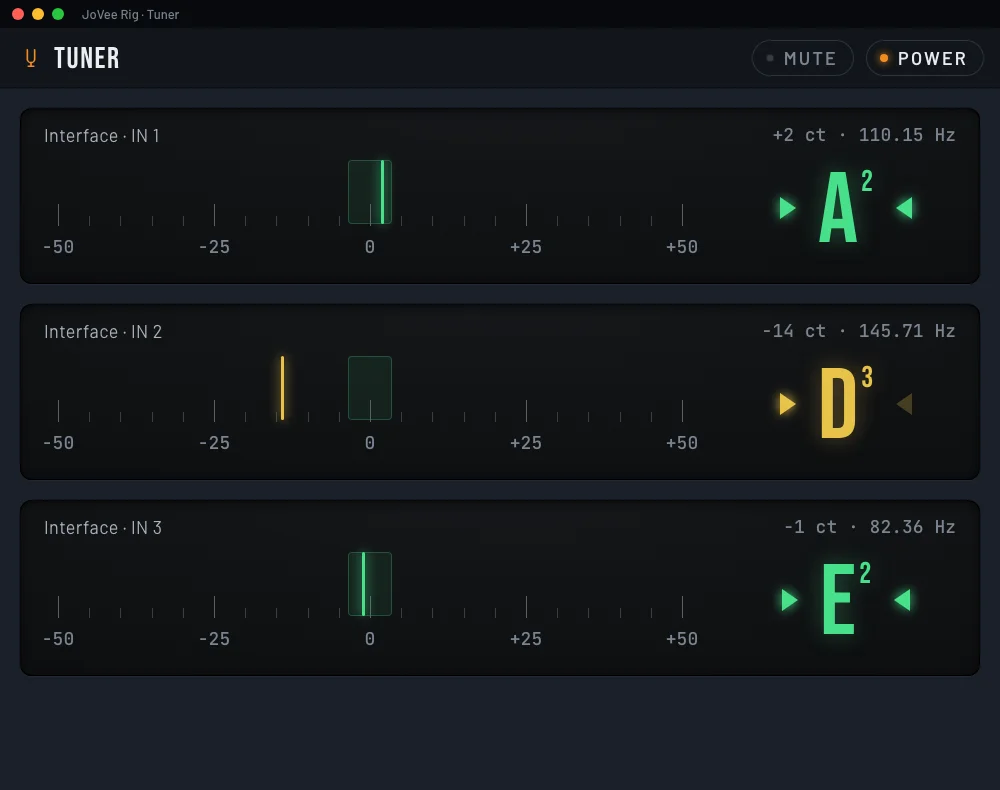
One per input: tune one guitar while the other one plays.
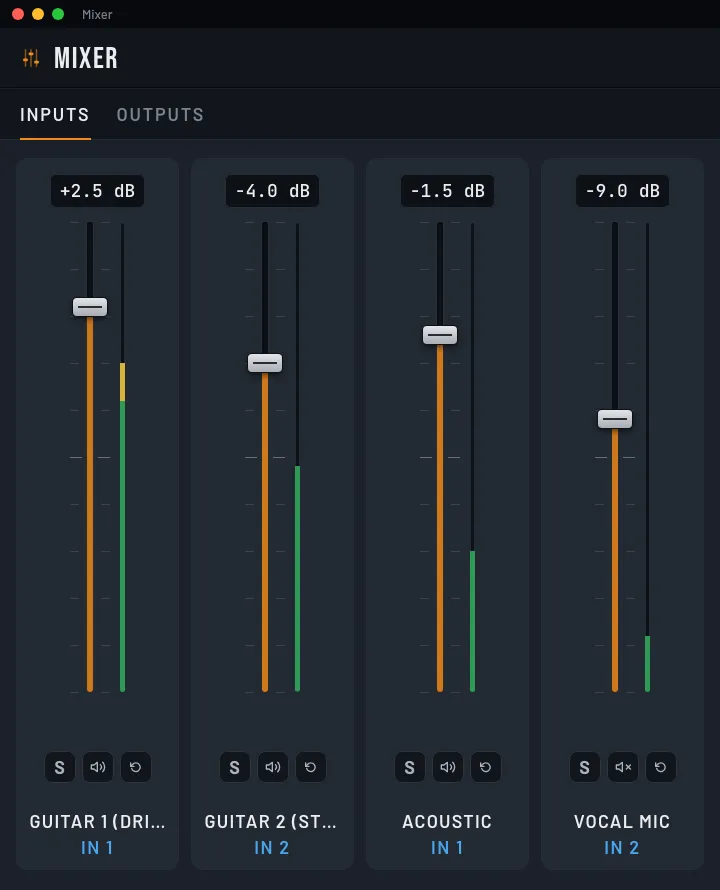
A fader, mute and solo for each input and output of the interface.
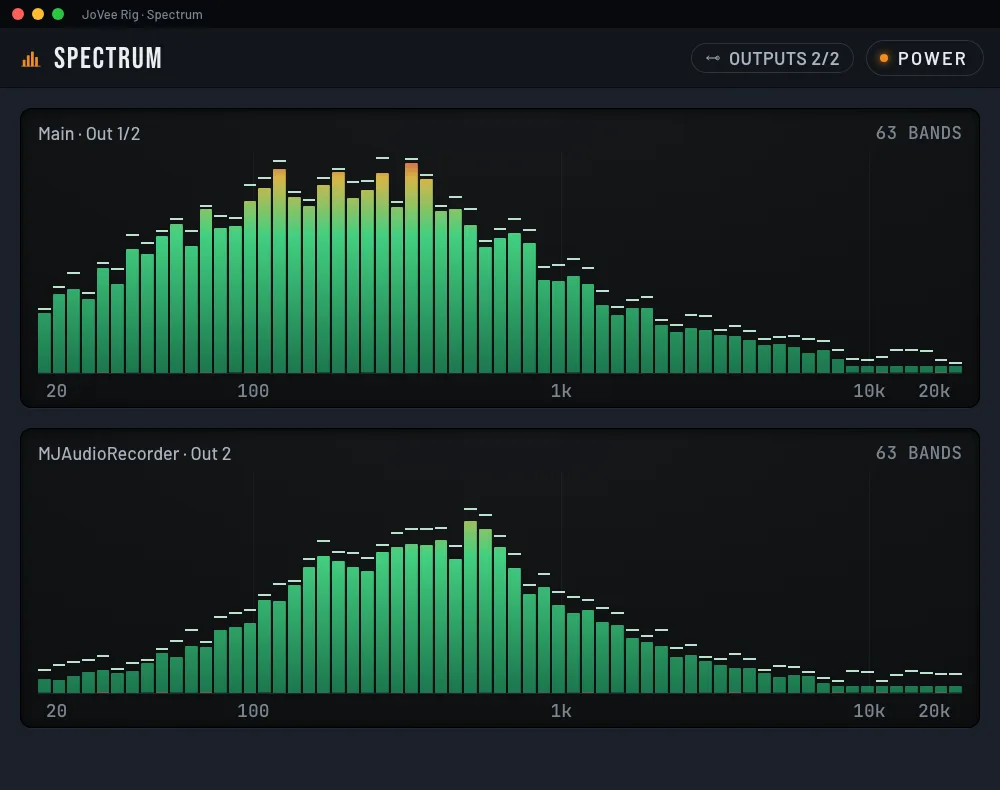
See in real time the frequencies of each input and output.
The level of each input and output, with the name of each one.
Measure how long the sound takes from input to output, stage by stage.
The guitar comes in through one interface and the monitors go out through another.
Verse, chorus and solo are saved as scenes of each preset.
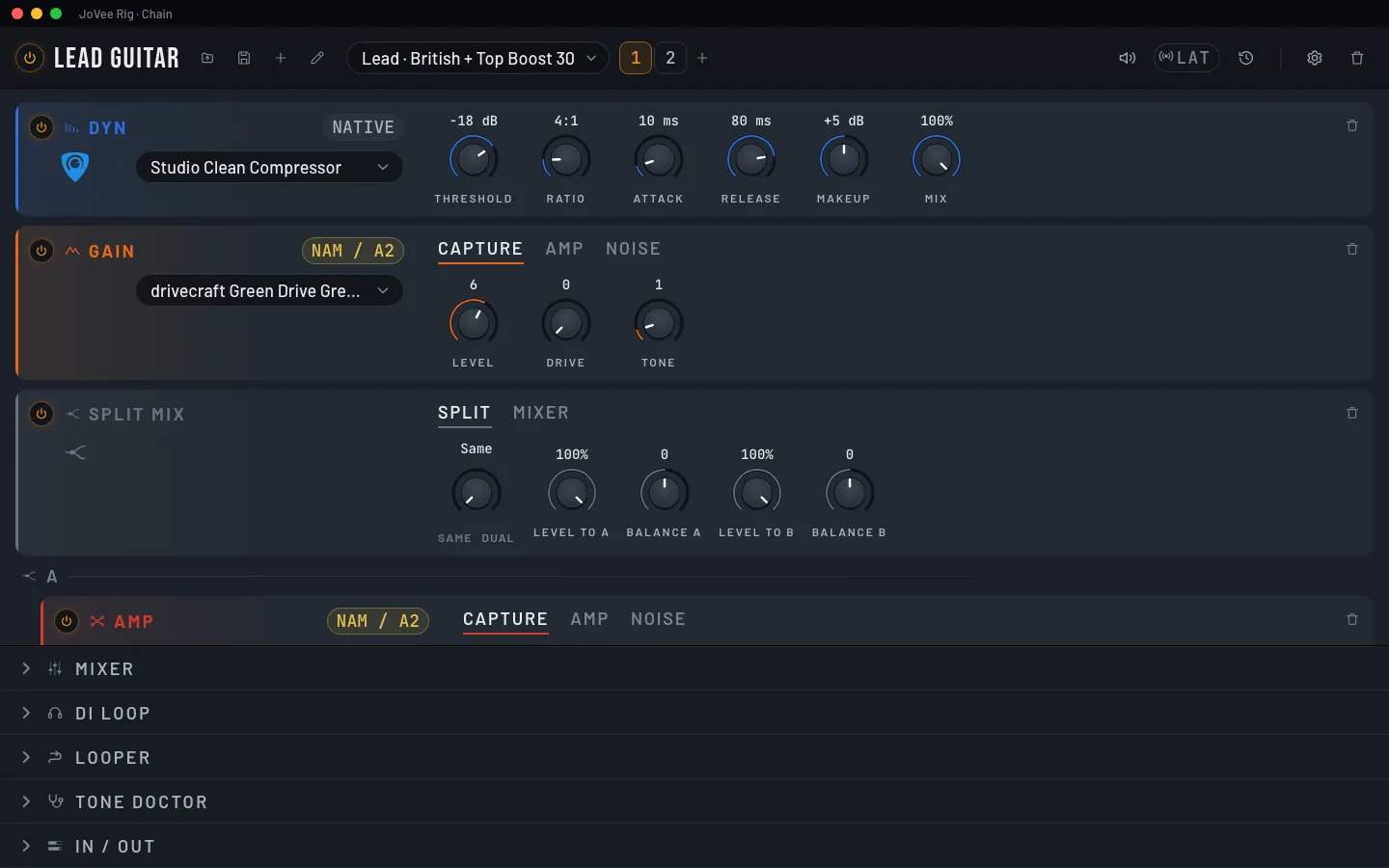
All the chain's knobs on one screen, with its mixer, DI and looper.
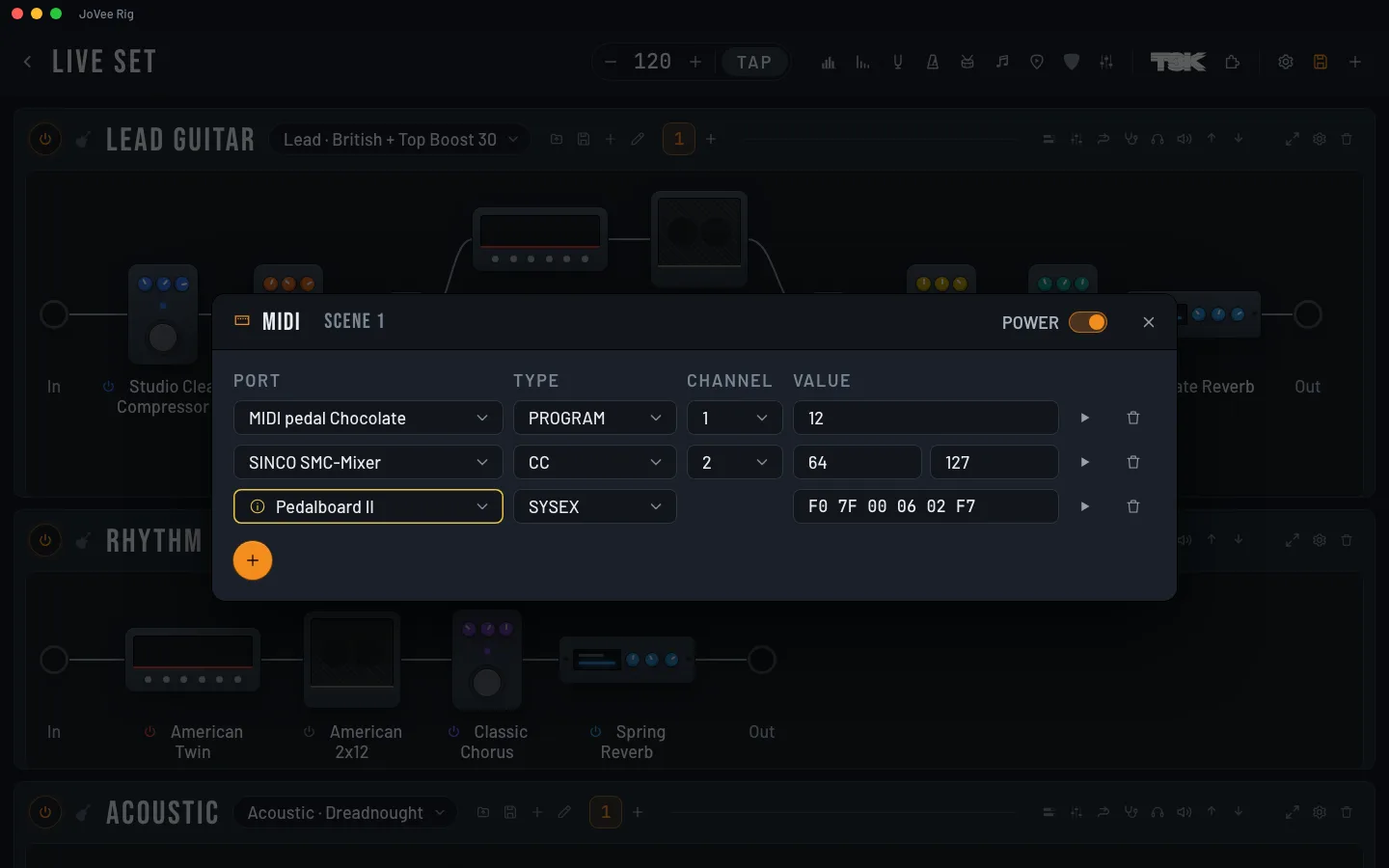
Each scene sends PC, CC, note or SysEx to your other gear.
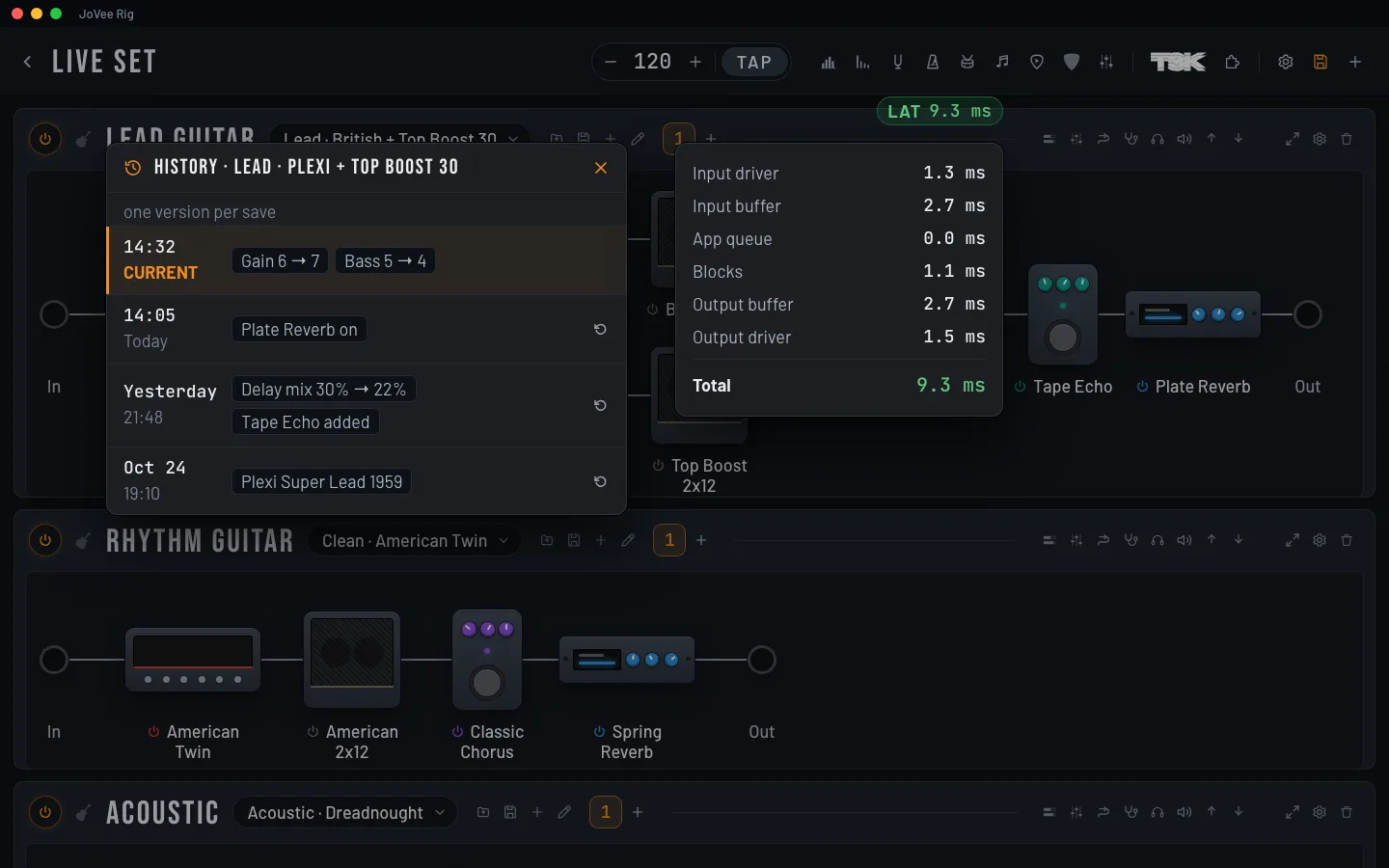
Go back to any of the last 50 versions of each preset, or bring back a single block.
Press the footswitch and choose what it does in the app.
Use Bluetooth MIDI footswitches with no cable.
Your phone drives the rig and shows meters, tuner and spectrum, over the network or Bluetooth.
At first launch it sets the interface, the inputs and a first chain with a riff to hear it.
Choose between Classic, Neon and Rack.
English, Português, Español, Français, Deutsch, 日本語, 한국어, 中文 and हिन्दी.
Then pick your edition. The license is yours forever and comes with one year of updates.
Not renewing never locks the app: it keeps working, it just stops getting new versions.
Each app does one thing. Rig is available now; the others are coming soon.
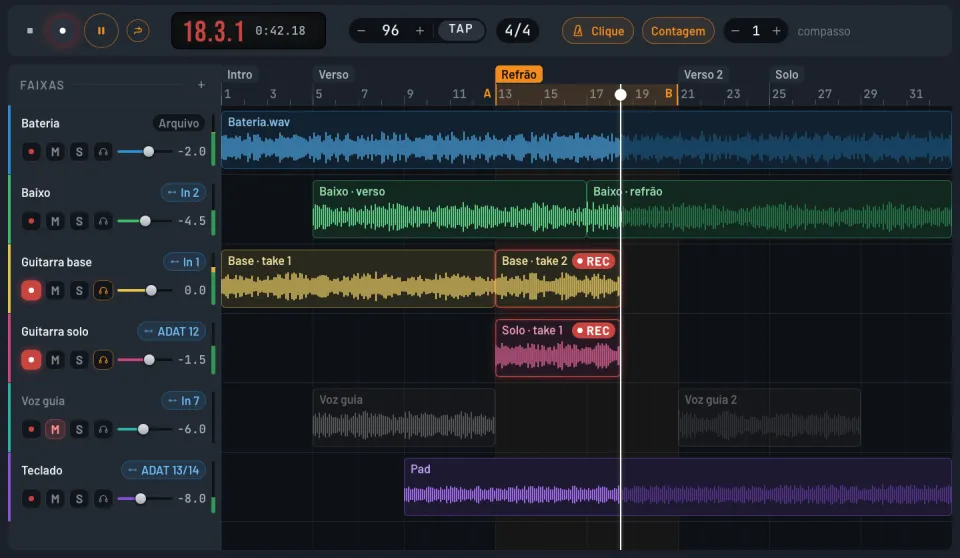
 JoVee Studio
Record, edit, mix and finish songs across multiple tracks, with Rig inside.
Coming soon JoVee Tone
Recreates a recording's tone by measuring it and sets it up on Rig.
Coming soon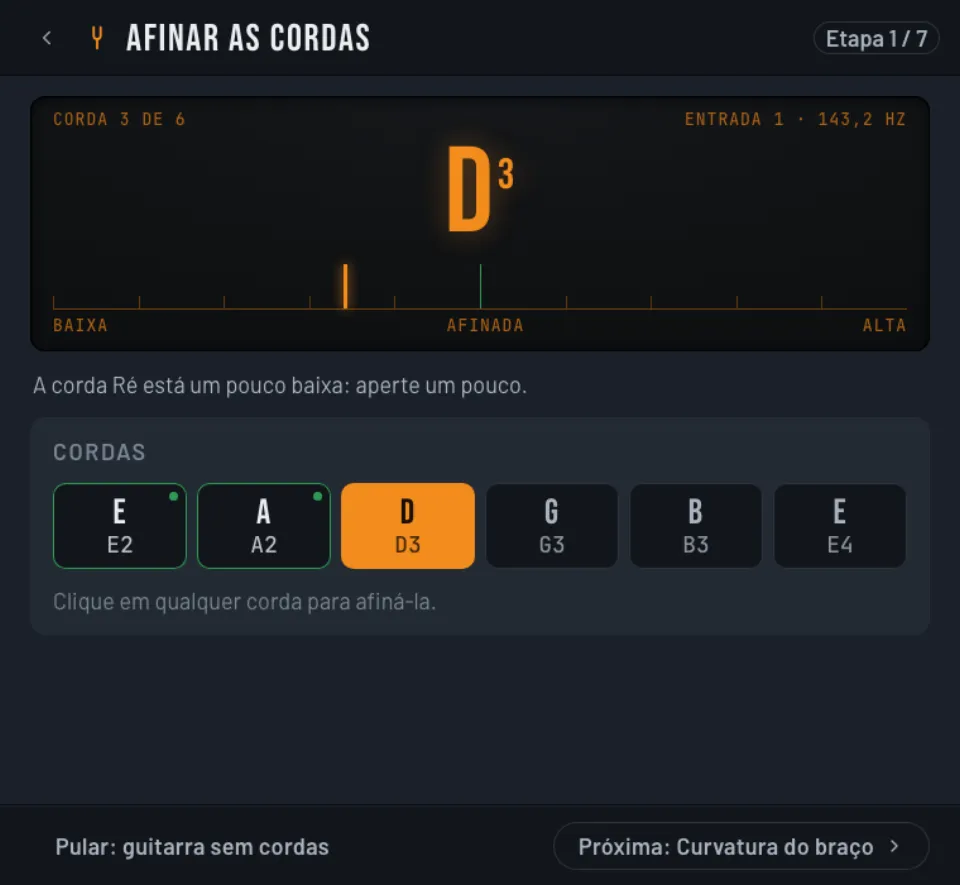
 JoVee Lut
Guides your guitar setup step by step, measuring each string by its sound.
Coming soon JoVee Live
Play live over the internet with other musicians, each on their own rig and with their own monitor mix.
Coming soon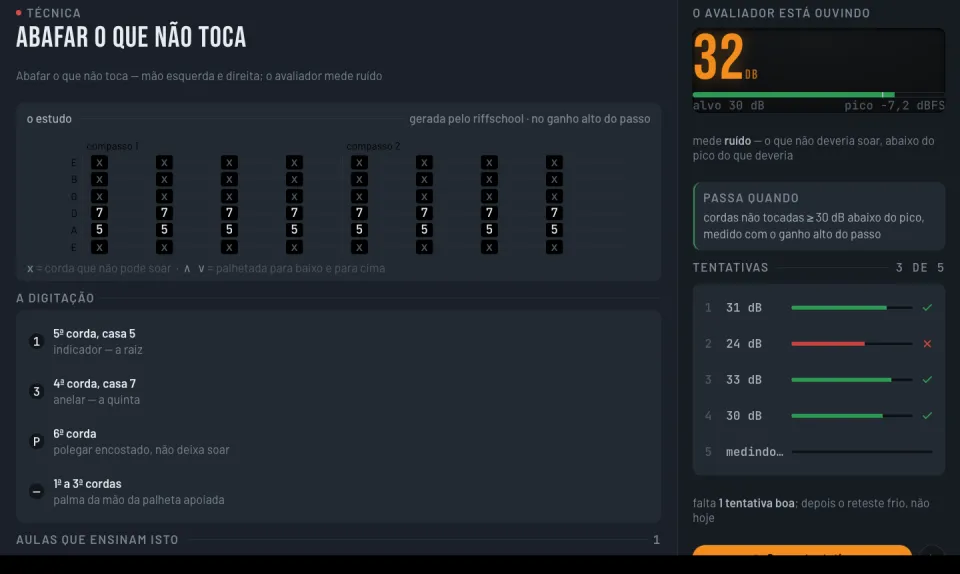
 JoVee School
An electric guitar course from zero to advanced in rock, blues and metal, that listens to you play to measure your progress.
Coming soon JoVee